

Before you start
You need a Goulight account and a publicly accessible PackWizard shared list. Import is available on Free, which includes up to five lists in total. Each import creates a new list. Pro removes the list limit.
How to import from PackWizard
Copy the shared list link
Open your list in PackWizard and copy its share link. It should look like https://www.packwizard.com/s/…. Use the public list link, not the address of the editor.
Open My Lists in Goulight
Register or log in, then choose New List in My Lists. On a small screen, use the plus button.
Choose Import PackWizard
Under Template, select Import Packwizard. Paste the shared link into the URL field and select Import. Your new list opens when the import finishes.
Check your pack before you go
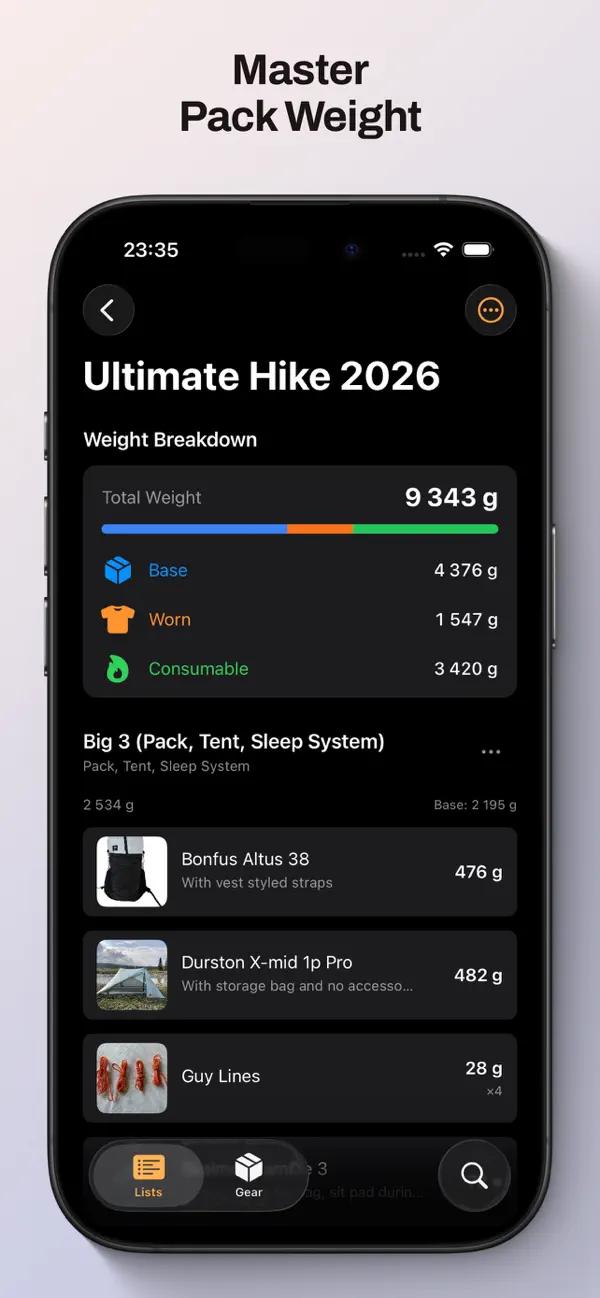
Review quantities, item weights, worn gear and consumables. Check the total and any missing images. Your imported gear is also available in your gear library.
What comes with you
- List name, categories and items, in their original order.
- Item names, descriptions, quantities and weights. Weights are converted to grams.
- Worn and consumable markings. Check rows containing several items: a worn row imports with one unit worn.
- Product images when the source image can be downloaded. Some items may arrive without an image.
What stays behind
Goulight imports the shared pack, not your entire PackWizard Gear Closet. Product links, retailer prices, reviews, display-unit preferences and checklist progress are not transferred.
A copy you can make your own
Your original PackWizard list stays unchanged. The new Goulight list is private until you choose to share it. This is a one-time import: later changes in either service do not sync to the other.
If the import does not work
Check that the link opens without signing into PackWizard. Paste only the shared URL in the format above, without a trailing slash, query parameters or a fragment. If you already have five lists on Free, remove an unneeded list or choose Pro. If the source page is unavailable, try again when it is accessible.